

Record your camera, screen, or both from the browser, then upload the result directly to your Skiv account. No extension is required.
To start, select Record. Choose what to capture, then turn the microphone on or off.
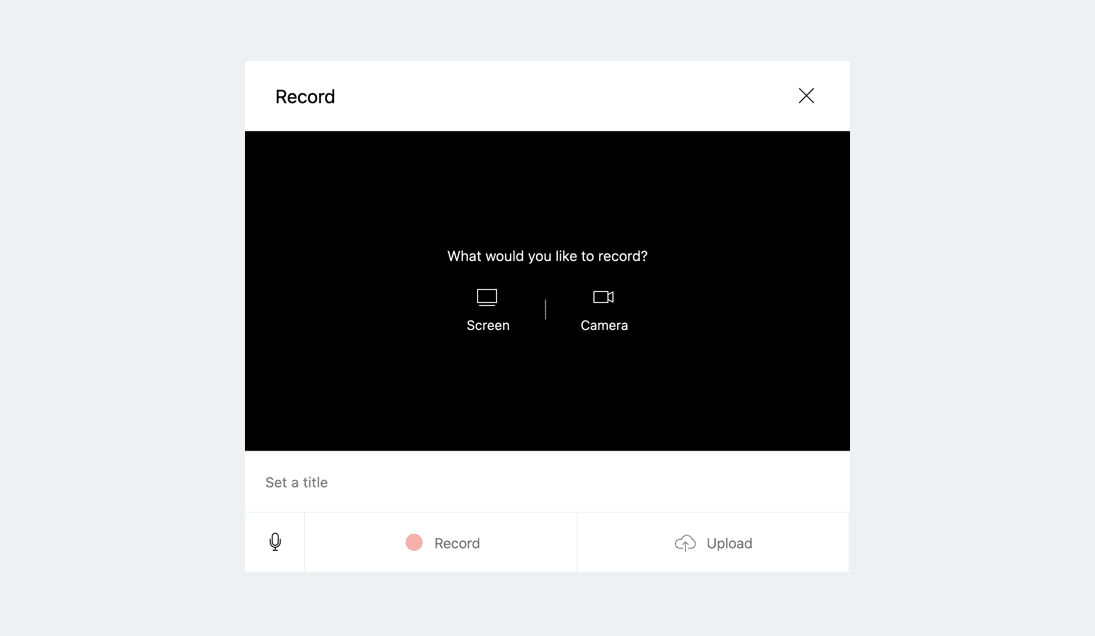
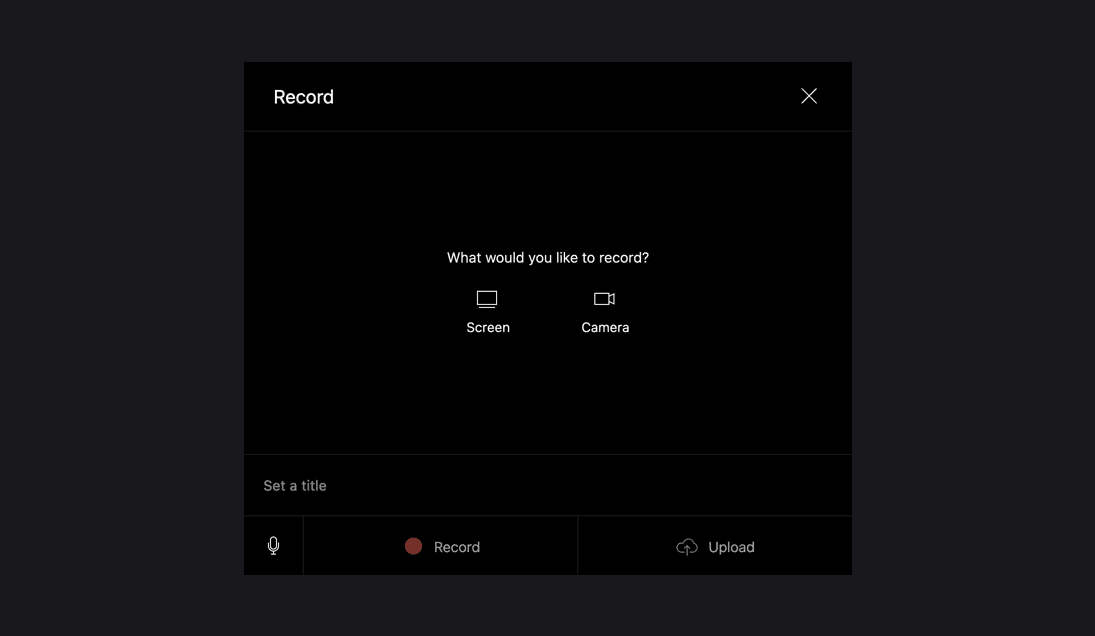
Check the preview, then select Record. When you select Stop, the recording uploads to your account for processing and sharing.
You can also use the browser recorder without an account and download the recording locally.
Get started (it's free)


