To sell a course, membership, or other video product, you need a video host, a paywall, and a page where customers can watch.
How to get started
1. Choose a video host
Choose a video hosting provider that lets you host paywalled content, and protects it from people who don’t have access.
Upload videos to Skiv, then organize them into collections and subcollections.
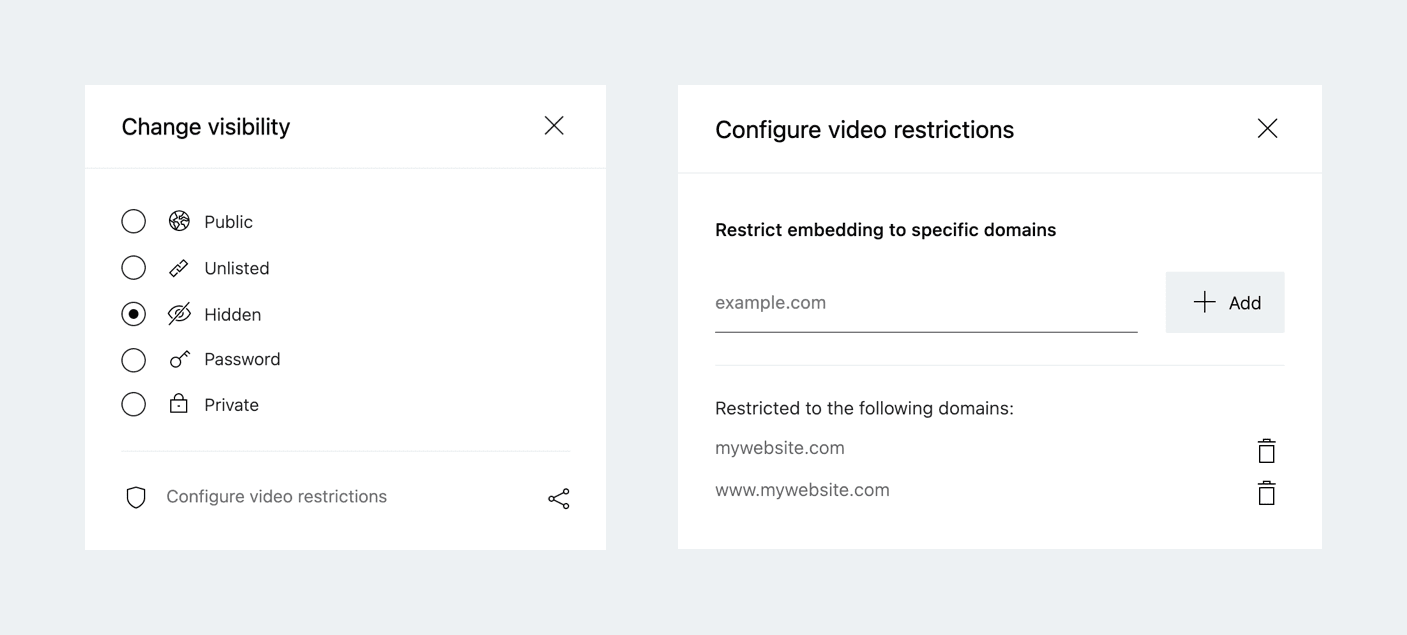
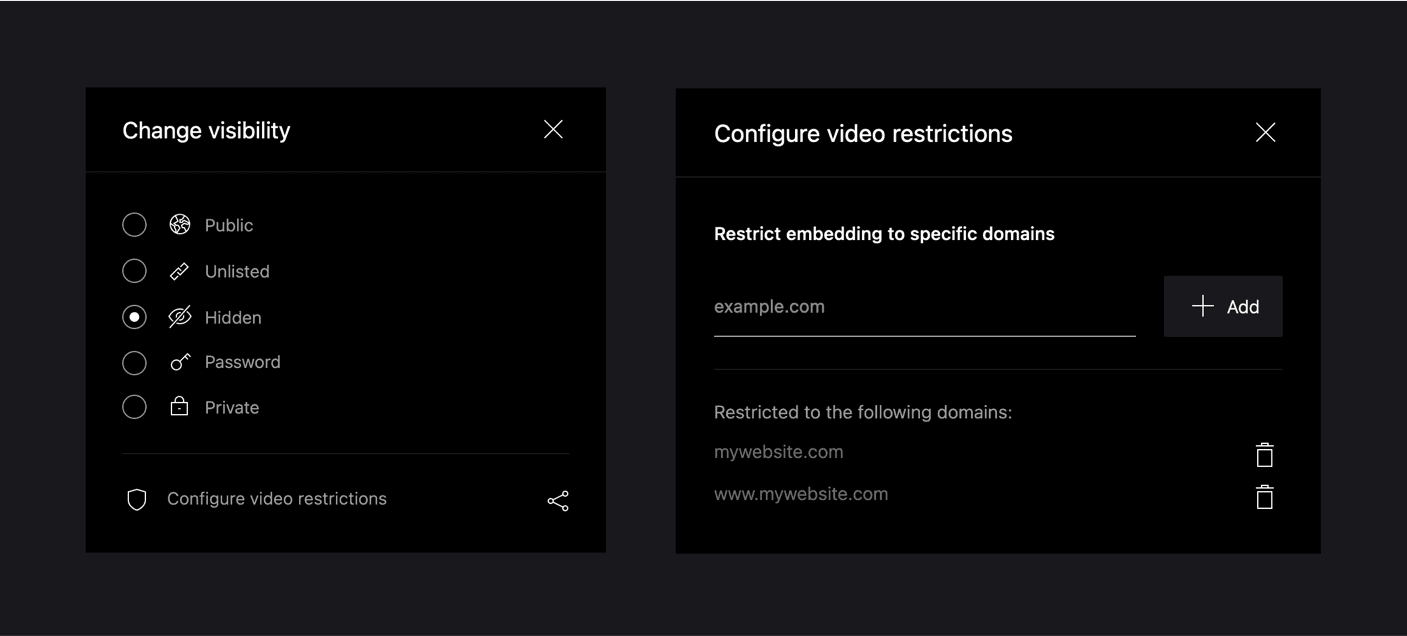
To ensure your content can only be shown on your website, Skiv provides a visibility setting called Hidden and a domain restriction feature. Combined, these make it so your video is not visible in Skiv (except to you), and can only be embedded on your domains.
2. Choose a paywall
Use a course platform or WordPress membership plugin to charge for access. For example:




3. Add videos to your website
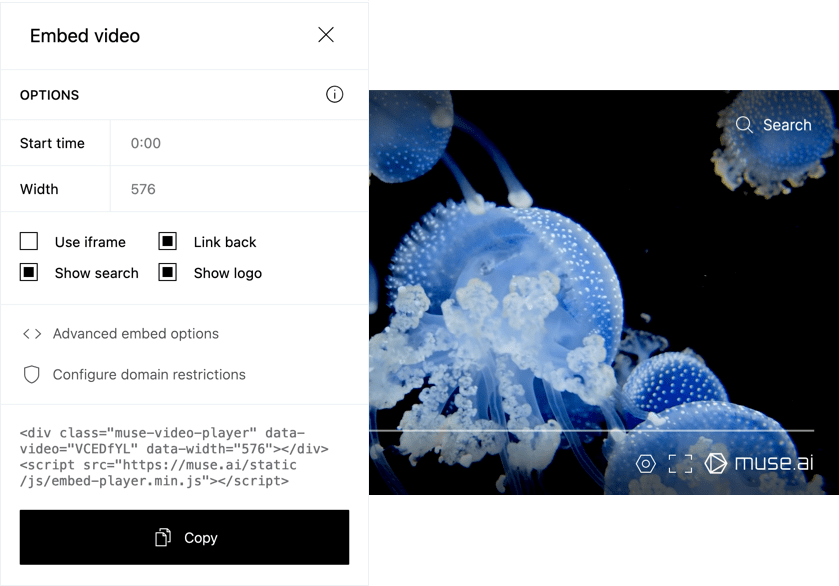

In Skiv, copy the embed code and paste it into your website builder. Set the player options and logo before copying the code.
4. Track engagement with Skiv analytics
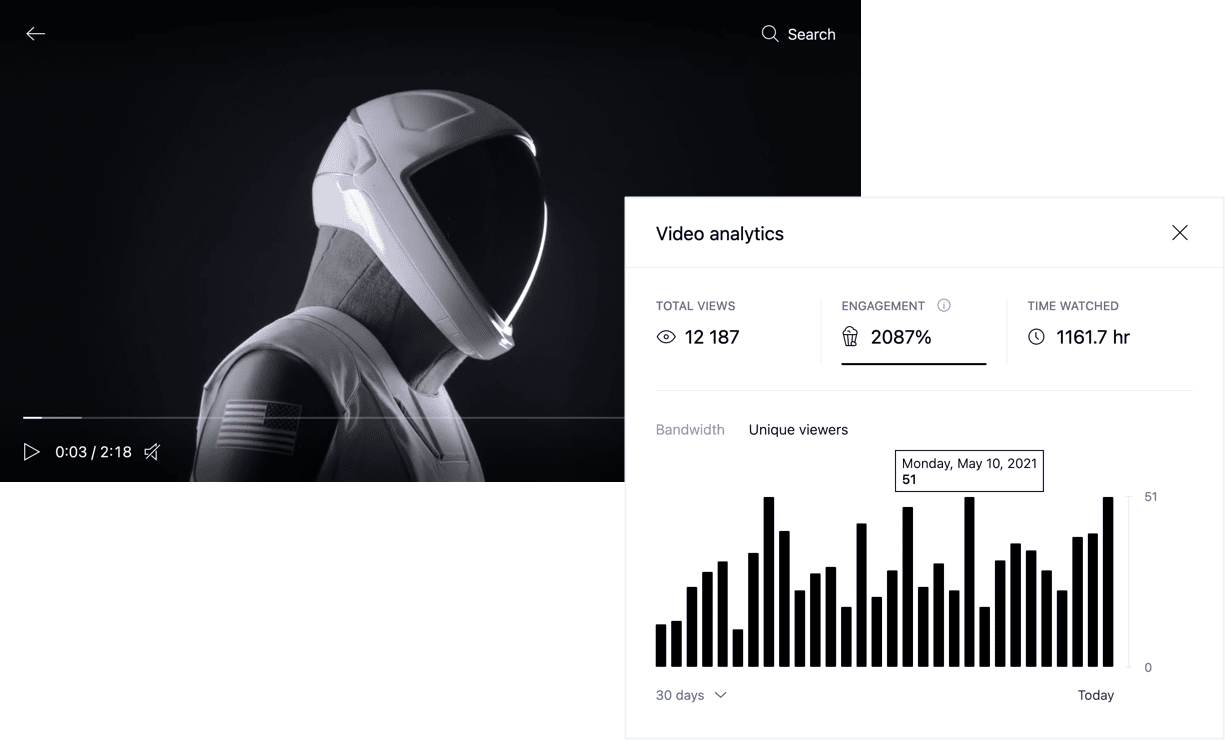

The Skiv Analytics panel shows total views, time watched, viewer engagement, and bandwidth use for each video.
5. Add a call to action
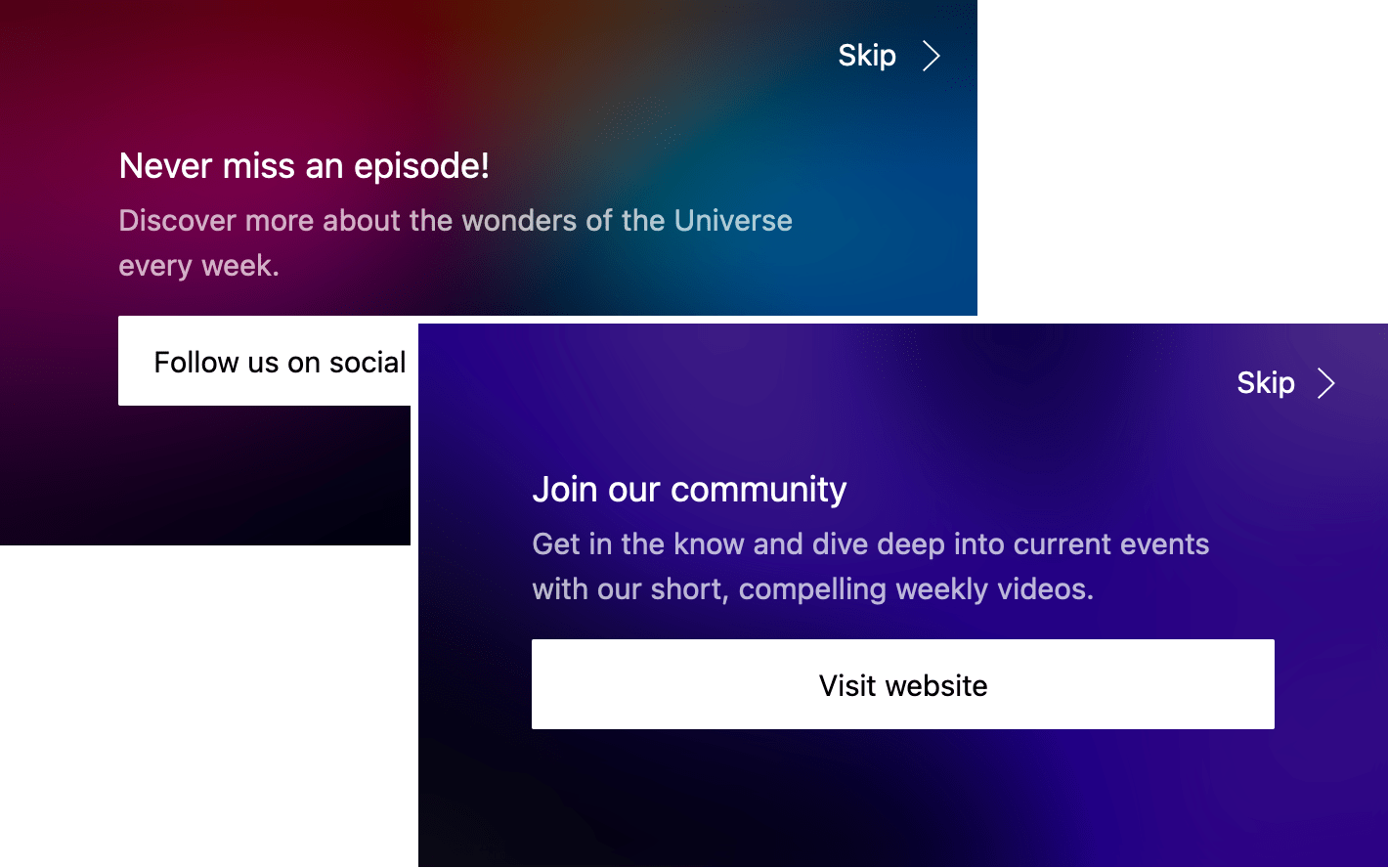
Use a timed call-to-action screen to link viewers to the next lesson, an offer, or another relevant page.
Get started (it's free)