Add a Skiv video to a Traverse lesson by pasting its share link in the course editor.
Traverse lets course creators organize text, images, audio, video, mind maps, and flashcards into lessons. The Skiv integration adds hosted video without a separate embed-code step.
Videos uploaded to Skiv are indexed by speech and visual content. Students can search inside a lesson video and jump to a matching moment.
The player supports adaptive playback up to 4K, AirPlay, Chromecast, domain restrictions, and configurable controls.
Add a video in Traverse
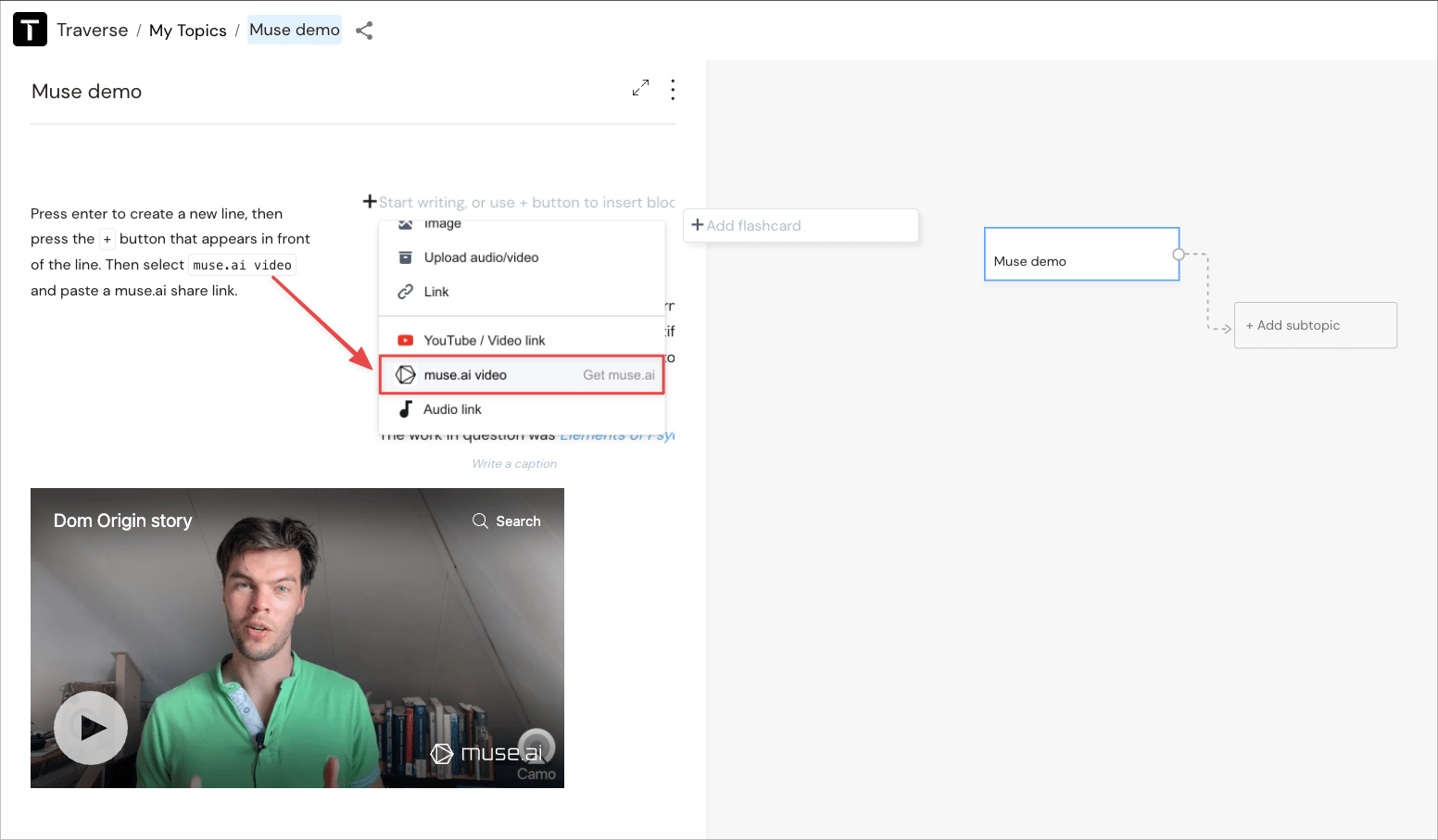
- 1Press Enter to create a new line.
- 2Select the + button beside the line.
- 3Select Skiv video and paste a Skiv share link.
See Skiv integrations for other supported publishing tools.
Get started (it's free)